WiFi Protect free one-click VPN for Windows UGC campaign
Post on TikTok, Instagram, YouTube, X, FacebookApplication requiredApplication required. Apply on Content Rewards to submit clips. The brief is public.
CPM
$1.50$1.50 per 1K views
AFTER 10% FEE
$1.35$1.35 per 1K views after the 10% platform fee
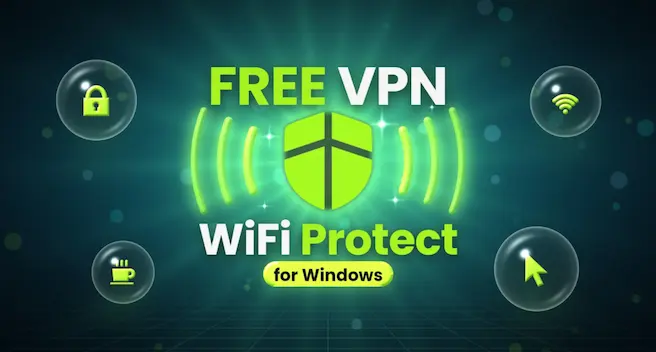
WiFi Protect is a free one-click VPN for Windows. Film short faceless videos on a Windows 10 or 11 PC that show the app on screen, and point people to your profile bio. Post on Facebook, Instagram, TikTok, X and YouTube.
Too earlyNo forecast yet, too little spend history
BUDGET LEFT
100%100% of the budget left
Is the WiFi Protect UGC campaign legit?
Content Rewards reports $417,569 paid out on 224 campaigns since 1 Oct 2026, with per view pay in rounds about every 10 days.
CONTENT REWARDS, ALL CAMPAIGNS
PAID OUT
$417.6KContent Rewards reports $417,569 paid out on 224 campaigns
CAMPAIGNS
224
PAID EVERY
10dPer view pay in rounds about every 10 days, until 30 days after the clip is submitted
UGC campaign rules
BRIEFB
Brief B: solid, 3 red flags (missing essentials, no ad disclosure and rules changed later), film your own footage, put the brand's link in your bio. The brand shares two footage links, four reference pictures and an other link, and sets a few content rules on audience details.
Niche: Short videos about WiFi Protect, a free one-click VPN for Windows, one narrow niche
Niches
Technology
Show all 11 rules
Your account
Creators in
Tech
Productivity
Students
Travel
Remote work
You need a Windows 10 or 11 PC to show the app on screen. Best fit: accounts with a mostly US audience, for example tech, productivity, students, travel or remote work
Other rules
Show the app and say wifi-protect.com/@yourhandle
Show the app on screen on a Windows 10 or 11 PC
Show the WiFi Protect app on screen in the video
What to make
POST ONContent Rewards pays for posts on Facebook, Instagram, TikTok, X and YouTube
TikTok
Instagram
YouTube
X
Facebook
FOOTAGEFrom the brief: “You need a Windows 10 or 11 PC to show the app on screen.”
Your own
THE BRIEF ASKS
Add link in bio
Show the app and say wifi-protect.com/@yourhandle
Use a Windows 10 or 11 PC to show the app on screen
MUST INCLUDE
End with the call to action
Put the campaign link in your bio“Add link in bio”
Apply on Content Rewards and post on TikTok, Instagram, YouTube, X or Facebook. On Content Rewards, per view pay comes in rounds about every 10 days, until 30 days after the clip is submitted.